
Appearance
Creating your workspace
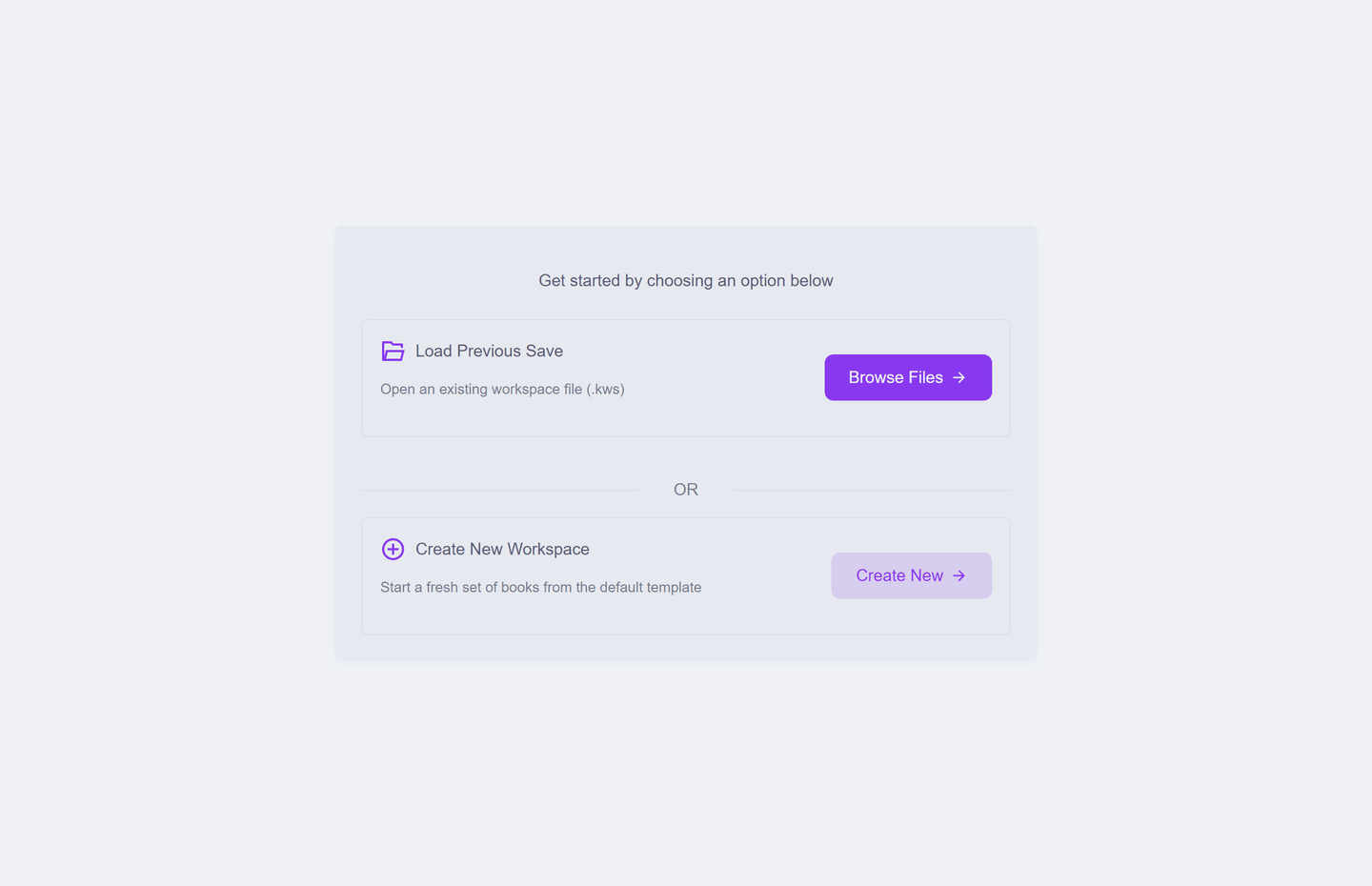
Your workspace is your whole set of books — one file that holds everything: company details, customers, documents, settings. KiraKira+ opens onto a simple choice:
| Option | When |
|---|---|
| Create New | Starting fresh. One click builds a complete set of books from the default template — accounts, tax codes, payment methods, all ready |
| Browse Files | You already have a workspace file (.kws) — yours, or one moved from another computer |
| Load Previous Save | Carry on where you left off |
What Create New gives you
A working set of books, not an empty one: a full Chart of Accounts, the Malaysian SST tax codes, seven payment methods, and a demo company name so the screens make sense immediately. The demo name is a placeholder — replacing it is the first setup job.
Nothing is on disk yet: a new workspace lives in memory until you save it, and the first save asks where. That is the next page.
One file, one business
Run a second business? Create a second workspace file. Each .kws is a complete, separate set of books — switch between them with File → Open.