
Appearance
Saving, backups, moving your file
Everything you enter lives in one file with the .kws extension. That single fact is most of what you need to know: back up the file and your books are backed up; copy the file and your books move with it.
Saving
| Menu | What it does |
|---|---|
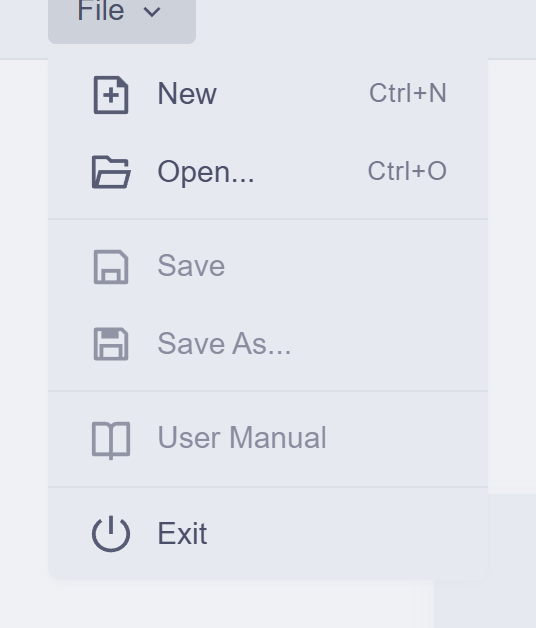
| File → Save | Writes your work to the file you opened. The first save of a new workspace asks where to put it |
| File → Save As… | Writes a copy to a new location — also how you make a manual backup |
KiraKira+ knows when you have unsaved work: try to leave or exit and it asks first — Save, Discard, or stay. Trust the prompt, but don't rely on it: save when you finish a working session, the way you would any document.
The habit worth forming
Your books are one file on one computer. Save often, and keep a copy somewhere other than this machine — a USB drive, your cloud folder, an email to yourself. A finished set of accounts is worth more than the minute a backup takes.
Moving to another computer
Copy the .kws file across, install KiraKira+ there, File → Open. There is no export step and no sync to configure — the file is the books.
If the worst happens
A lost or corrupted file without a backup is gone — there is no cloud copy, by design (your data stays yours). With a backup, recovery is File → Open on the copy. That asymmetry is the whole argument for the habit above.
Next: Finding your way around.